Website security advice often arrives as a long checklist: add headers, use strong passwords, make backups, install updates, scan files. Every item can be useful, but a checklist does not tell you which problem matters most on your website. Threat modeling does.
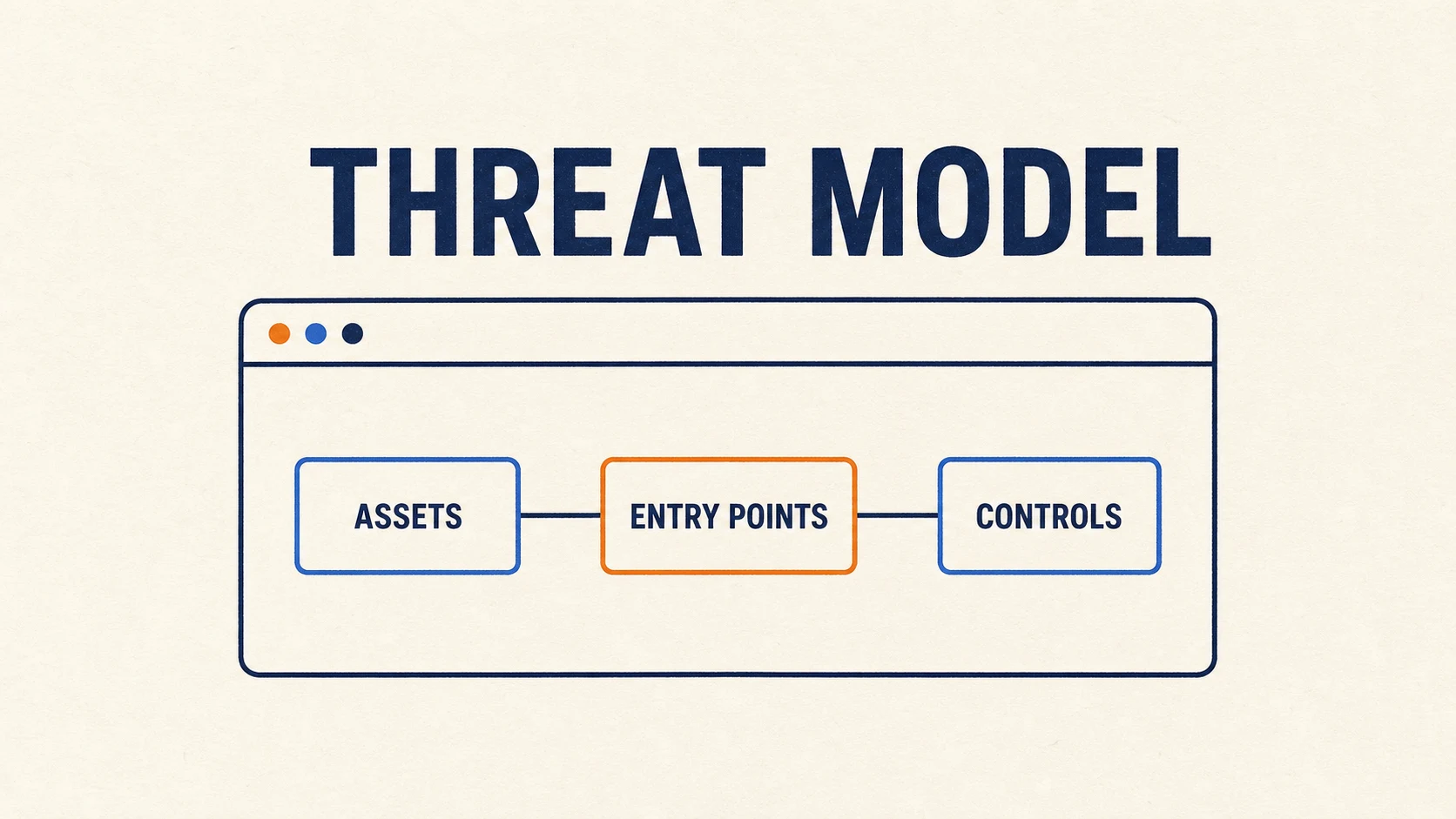
A threat model is a short, structured answer to four questions: What are you protecting? Who or what could harm it? How could that happen? What will you do about it? The result is not a perfect prediction. It is a map that helps you spend limited time on the most likely and most damaging risks.
Step 1: List What Matters
Start with assets, not attacks. An asset is anything whose loss, exposure, or modification would hurt the site or its visitors. For a small website, the list might include:
- hosting, domain, email, and content-management accounts;
- website files, source code, configuration, and backups;
- contact-form messages or customer information;
- the site's reputation and visitors' trust;
- the ability to publish, restore, or take the site offline.
Be specific. “My data” is difficult to protect. “The database containing customer names and email addresses” gives you something concrete to reason about.
Step 2: Draw the Attack Surface
The attack surface is every place where data or control enters the system. Draw a rough box for the visitor's browser, the web server, the application, the database, third-party services, and your administrator account. Then mark the connections between them.
Look for public forms, login pages, upload features, APIs, plugins, analytics scripts, deployment tools, hosting panels, and DNS accounts. Do not forget people: a convincing password-reset email can be an entry point even when the website's code is secure.
Step 3: Ask What Could Go Wrong
Walk through each asset and entry point. Useful questions include:
- Could someone pretend to be an administrator or trusted service?
- Could input change data, run code, or upload a dangerous file?
- Could private information leak through logs, backups, errors, or permissions?
- Could someone flood a form or service until it becomes unavailable?
- Could an attacker make a change without leaving enough evidence to investigate it?
This is the practical idea behind formal methods such as STRIDE, but a small site does not need a large document. One clear sentence per believable scenario is enough: “An attacker reuses the owner's leaked password to enter the hosting panel and replace the homepage.”
Step 4: Rank Risk Instead of Fear
Give each scenario two rough scores: how likely it is and how damaging it would be. Use low, medium, or high. A common attack with serious consequences belongs at the top. A rare attack with a small impact belongs near the bottom.
This prevents dramatic but unlikely threats from consuming all your attention. For many small sites, stolen administrator credentials, outdated software, unsafe uploads, and missing backups deserve action before exotic attacks.
Step 5: Choose a Response
Every important risk needs one of four decisions. You can reduce it with a control, avoid it by removing the risky feature, transfer part of it to a capable provider, or consciously accept it when the cost of a fix is larger than the risk.
For the stolen-password scenario, useful controls include a password manager, a unique password, multi-factor authentication, limited administrator accounts, login alerts, and a tested recovery path. Notice how the controls connect directly to a scenario. They are not random security decorations.
Turn the Model Into a Small Plan
Keep the finished model short: an asset list, a simple system sketch, five to ten threat scenarios, their risk levels, and one owner or next action for each high-priority item. Review it whenever you add a login, form, plugin, integration, or new kind of stored data.
A useful threat model is not the longest one. It is the one that changes what you secure next.
You will never predict every attack. That is not the goal. The goal is to replace vague worry with a repeatable way to see risk, make choices, and improve the site one meaningful control at a time.